
EXAMORESIZER.COM
Convert Image to A4 PDF (50KB - 500KB)
Photo or Scan (JPG/PNG)
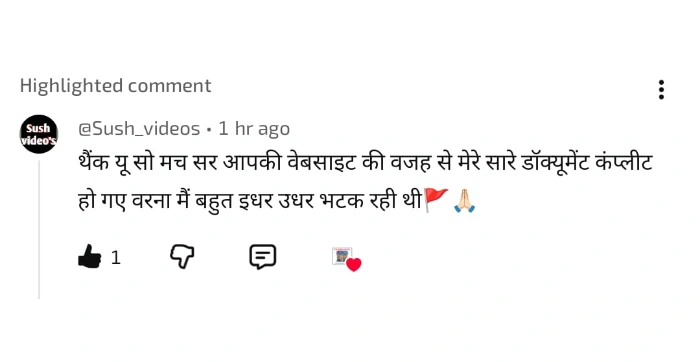
हजारों छात्रों ने हमारे tools का इस्तेमाल करके अपना form successfully complete किया है 🚀। हमारा goal सिर्फ image resize करना नहीं बल्कि आपका form सही तरीके से submit करवाना है 💯।
📢 20 मई से शुरू हो रही है Daily Free Test Series (सिर्फ 20 मिनट) 📚 जिससे आपकी तैयारी और मजबूत होगी।
⚠️ Form भरते समय कोई भी doubt हो — छोटा या बड़ा — बिना hesitate किये हमें mail करें:
📩 support@examoresizer.com
👉 तैयारी के लिए हमारे YouTube चैनल से जुड़ें:
📺 Subscribe ExamO Cafe🙏 Thank You Buddy 💐
Graduation marksheet upload karna zaroori hota hai.
You can merge multiple marksheets into one PDF.
Aap photo, signature aur PDF documents ko required size mein prepare karke upload kar sakte hain.
We use Client-Side Processing. Your photo never leaves your phone/computer. It is resized directly in your browser. We do not upload your photo to our server.
English: Before submitting your UPTET-2026 application form, we strongly recommend that you carefully read the official UPTET-2026 information brochure yourself. If you have any confusion or need clarification, you may contact us without hesitation at support@examoresizer.com. This tool is designed solely to assist you in formatting your documents.
Best of Luck for UPTET 2026!
हिंदी: UPTET- 2026 का फॉर्म भरने से पहले कृपया आधिकारि UPTET-2026 सूचना पुस्तिका (Official Brochure) स्वयं एक बार अवश्य पढ़ लें। यदि किसी भी बिंदु पर आपको कोई शंका हो, तो आप बिना किसी झिझक के हमें support@examoresizer.com पर मेल कर सकते हैं। यह टूल केवल आपकी सहायता के लिए बनाया गया है।
UPTET- 2026 के लिए शुभकामनाएँ!