
EXAMORESIZER.COM
Resize to 10KB - 200KB (JPG)
Supports JPG, PNG, JPEG
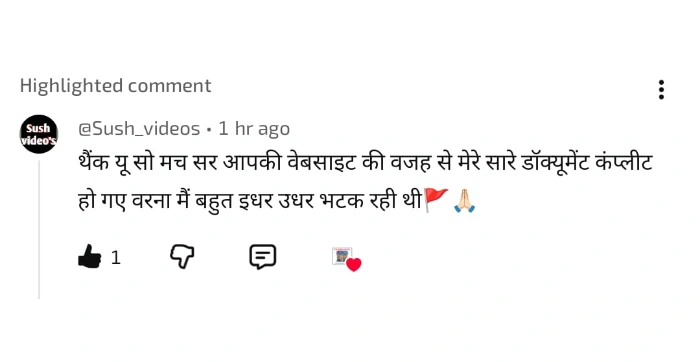
हजारों छात्रों ने हमारे tools का इस्तेमाल करके अपना form successfully complete किया है 🚀। हमारा goal सिर्फ image resize करना नहीं बल्कि आपका form सही तरीके से submit करवाना है 💯।
📢 20 मई से शुरू हो रही है Daily Free Test Series (सिर्फ 20 मिनट) 📚 जिससे आपकी तैयारी और मजबूत होगी।
⚠️ Form भरते समय कोई भी doubt हो — छोटा या बड़ा — बिना hesitate किये हमें mail करें:
📩 support@examoresizer.com
👉 तैयारी के लिए हमारे YouTube चैनल से जुड़ें:
📺 Subscribe ExamO Cafe🙏 Thank You Buddy 💐
UPTET form fill karne se pehle pura guide padhe: UPTET Online Form 2026
UPTET form mein signature ka correct size hona mandatory hota hai. Wrong size hone par form reject ho sakta hai.
This tool allows you to resize your signature within the required size easily.
JPG format is generally required.
Yes, no data is uploaded.
Aap photo, signature aur PDF documents ko required size mein prepare karke upload kar sakte hain.
English: Please note that this is NOT the official SARKARI website. It is merely an independent utility tool. After processing your documents, students are advised to cross-check them very carefully with the official UPTET-2026 Information Bulletin or Brochure. While this tool follows standard guidelines, we do not accept responsibility for any discrepancies or form rejections. The final verification is the candidate's responsibility.
हिंदी: कृपया ध्यान दें कि यह UPTET-2026 की आधिकारिक (Official) वेबसाइट नहीं है। यह केवल छात्रों की मदद के लिए बनाया गया एक टूल है। डॉक्यूमेंट प्रोसेस करने के बाद, छात्रों को सलाह दी जाती है कि वे आधिकारिकUPTET-2026 सूचना पुस्तिका (Brochure) से अपने डॉक्युमेंट्स का मिलान अवश्य करें। हालाँकि यह टूल मानक दिशानिर्देशों का पालन करता है, लेकिन हम किसी भी त्रुटि या फॉर्म रिजेक्शन की जिम्मेदारी नहीं लेते हैं। अंतिम जांच छात्र की अपनी जिम्मेदारी है।
English: Before submitting your UPTET 2026 application form, we strongly recommend that you carefully read the official UPTET-2026 information brochure yourself. If you have any confusion, you may contact us at support@examoresizer.com. Best of Luck for UPTET- 2026!
हिंदी:UPTET- 2026 का फॉर्म भरने से पहले कृपया आधिकारिकUPTET-2026सूचना पुस्तिका (Official Brochure) स्वयं एक बार अवश्य पढ़ लें। यदि आपको कोई शंका हो, तो आप support@examoresizer.com पर मेल कर सकते हैं। UPTET 2026 के लिए शुभकामनाएँ!